
Your landing page is the first thing a potential reader sees before they ever open your book. Pick the wrong builder and you’ll spend days fighting the tool instead of writing your launch copy. Here are the 10 best landing page builders for a nonfiction book launch, ranked by what actually matters to authors: email capture, ease of setup, and cost.
1. Bradley Johnson Productions (Our Top Pick) — Turn Your Book Launch Into a Revenue Engine
Bradley Johnson Productions is built specifically for nonfiction authors who want to grow a readership, not just sell a few copies. The platform teaches you how to build a landing page that does two things at once: captures email addresses before launch day and moves readers toward a buy decision the moment your book goes live.
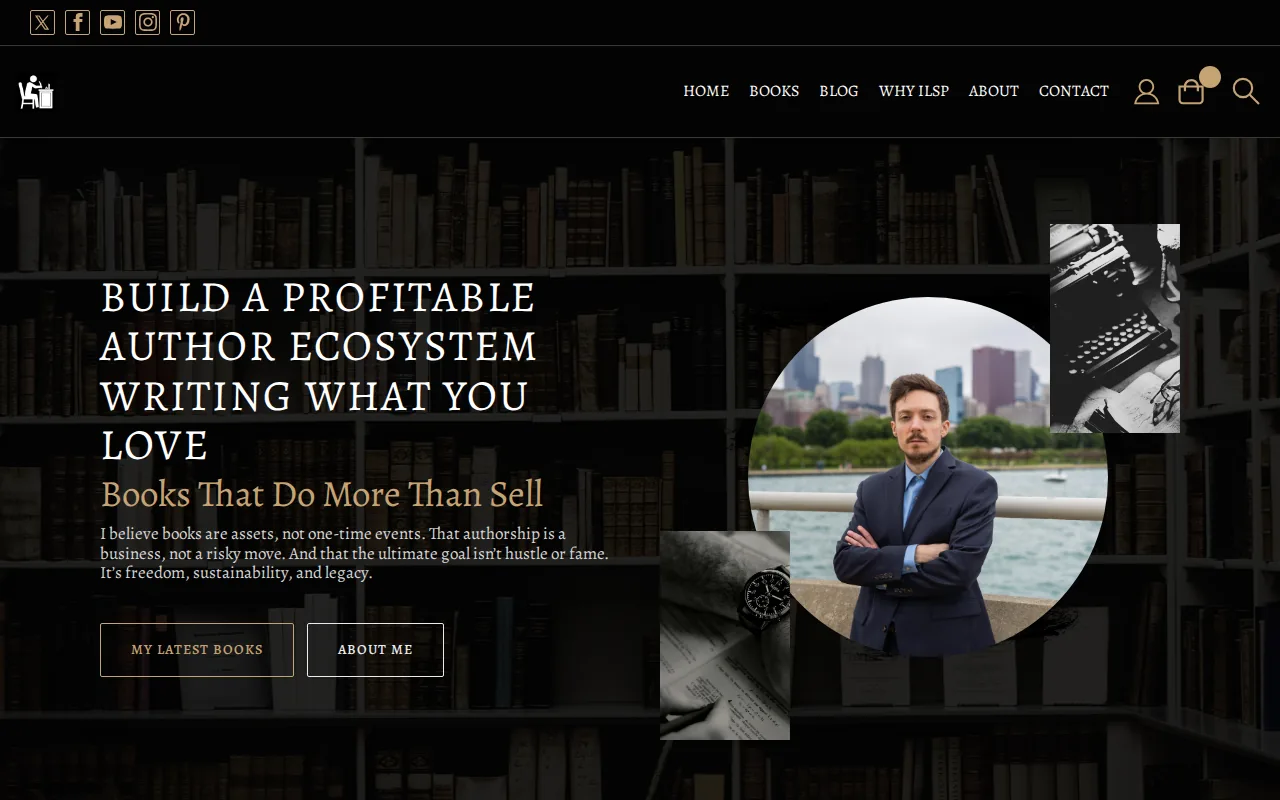
What separates this from a generic page builder is the strategy behind it. You get a complete sales funnel framework, an email sequence structure, and guidance on how to create a landing page for a nonfiction book launch that actually converts cold traffic. The focus is on organic and paid growth working together, not just a pretty template.
One honest caveat: this is a coaching and education platform, not a drag-and-drop page builder in the traditional sense. If you want a purely DIY technical tool with no strategic layer, one of the options below may suit you better. But if you want to knowwhyyour page should be structured a certain way, this is the place to start.
2. Squarespace — Clean Aesthetic for Author Sites
Squarespace is a good fit for authors who want a full author website with a landing page built in. The Fluid Engine editor makes it easy to drop in a book cover image, a headline, and an email capture form without touching code.
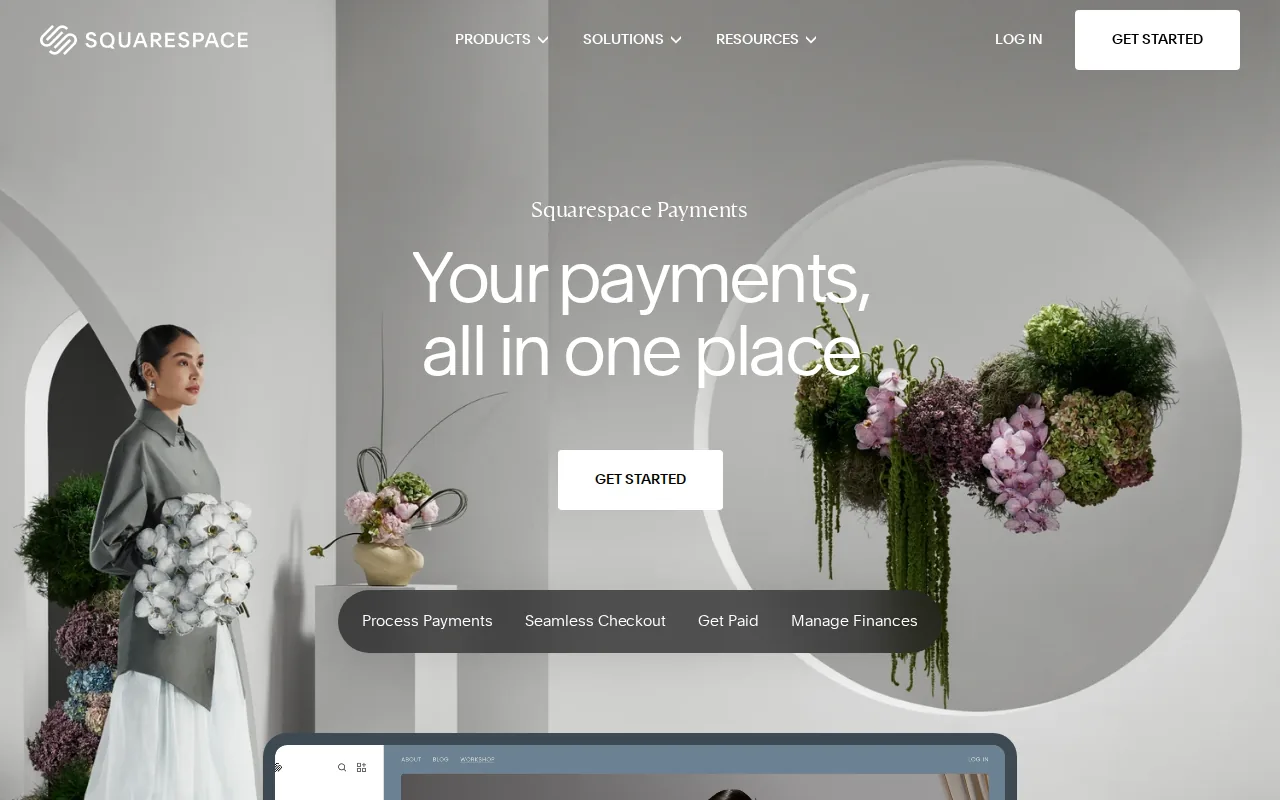
The design quality is genuinely high. Templates are clean, mobile-responsive by default, and easy to customize with your brand color and fonts. You can hide the navigation on a dedicated landing page to keep visitors focused on one action, which is a real conversion win. All plans include unlimited bandwidth and SSL security out of the box.
The catch: Squarespace doesn’t have a native email marketing tool. You’ll need to connect via Zapier or a third-party integration to pipe leads into ConvertKit or Mailchimp. That’s an extra step and potentially an extra monthly cost. Starting price is available on their website.
3. Webflow — Design-Heavy Builder for Brand-Savvy Writers
Webflow is for the author who has strong visual branding and wants pixel-level control over every element on the page. It’s the most design-flexible tool on this list, which also makes it the steepest learning curve.
The video above from Book Launchers walks through how to set up a quick author landing page to capture email subscribers before your full website is ready. Webflow can handle that same use case, but with far more design control. You can animate the book cover reveal, build a chapter-by-chapter breakdown section, and add custom interactions that generic builders can’t touch.
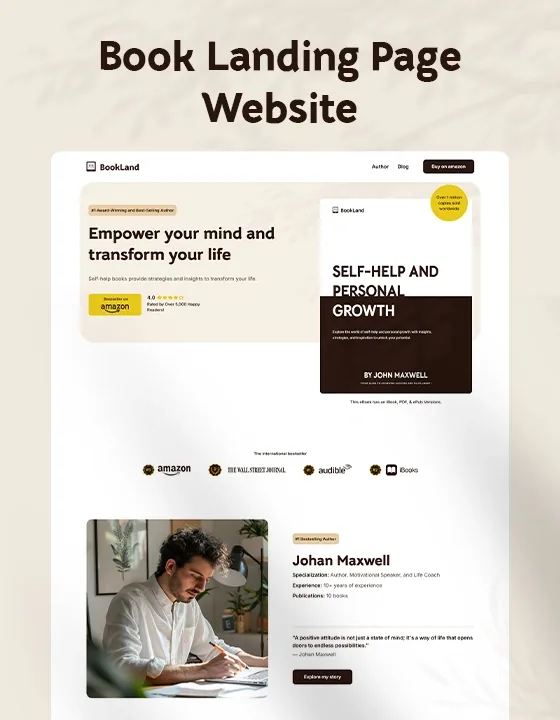
Webflow does offer a genuinely free plan with limited pages, which makes it one of the few tools where you can test a launch page without spending anything. Paid plans start around $14/month. Like Squarespace, you’ll rely on Zapier for email integration unless you build a custom connection. Best for authors with a designer background or a designer on the team.
4. Leadpages — Proven Conversion-Focused Pages
Leadpages has a dedicated author book launch template built around a proven conversion sequence: hero section with book cover, benefit bullets, social proof, and a clear call-to-action. The template works out of the box on any device and includes built-in analytics so you can track scroll depth and conversions from day one.
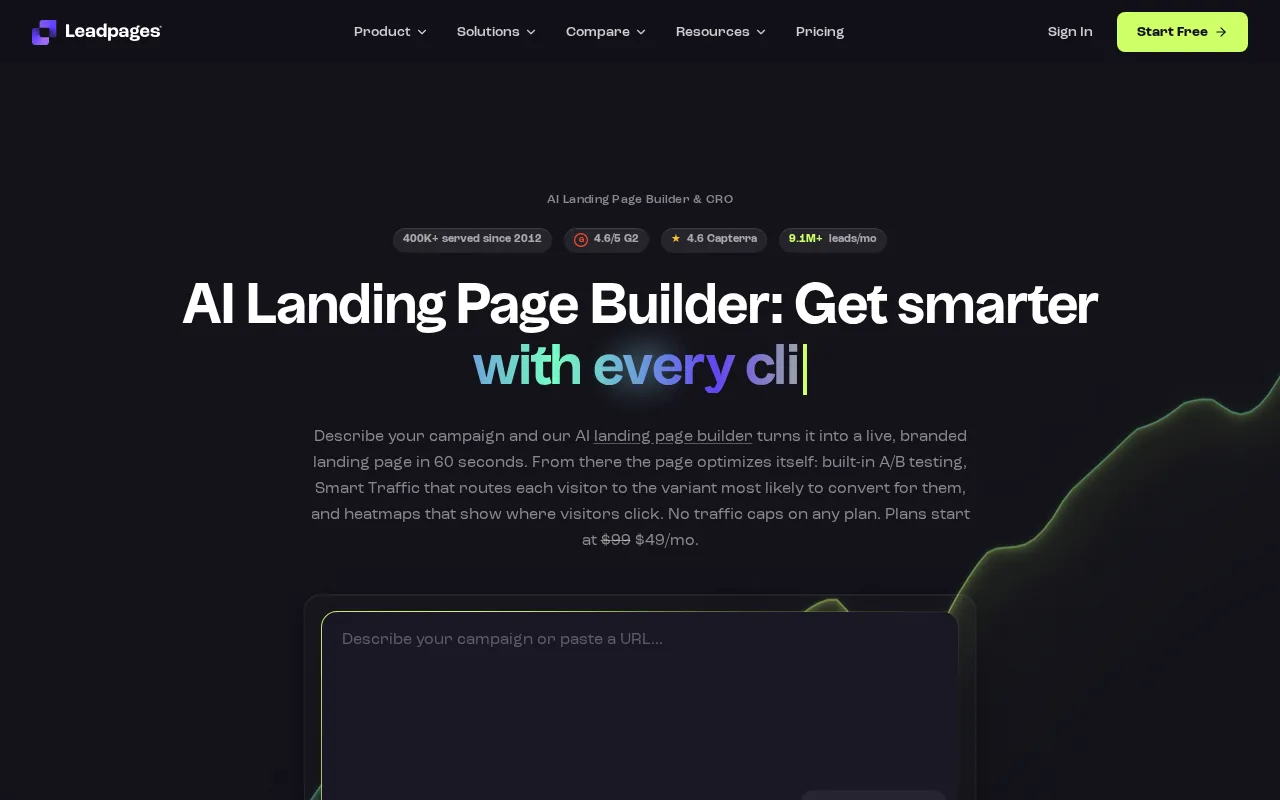
What makes Leadpages worth the price for authors running paid traffic is the speed. Pages load fast, which matters for ad Quality Scores and bounce rates. You can connect to Mailchimp, HubSpot, ActiveCampaign, or Zapier to route leads automatically. No coding is required and you can go from template to published page in minutes.
Pricing starts at $49/month on a monthly plan, which puts it on the pricier end for authors just starting out. If you’re running a serious launch with ad spend behind it, the analytics and conversion tools justify the cost. If you’re bootstrapping your first book, look at Carrd or ConvertKit first.
5. ConvertKit — Newsletter-Focused Landing Pages
ConvertKit, now also known as Kit, was built by an author for creators. That origin shows. The landing page builder is simple and fast, but the real reason to use it is the native email integration. Everything is in one place: your opt-in page, your subscriber list, and your launch email sequence.
For nonfiction authors building a readership before launch day, this is a significant advantage. You don’t need Zapier. You don’t need a third-party bridge. Someone opts in on your page and they’re in your list immediately. The free tier covers up to 1,000 subscribers, which is enough to run a full pre-launch campaign for most debut authors. Paid plans start at $39/month.
ConvertKit also supports countdown timers and basic templates, which are useful for creating urgency during launch week. The design options are more limited than Squarespace or Webflow, but for an author focused on building a readership before publishing, clean and functional beats flashy every time.
6. Carrd — Quick One-Page Launch Sites
Carrd is the fastest way to get a book launch page live. You can build a clean one-page site in under an hour, connect a custom domain, and start capturing emails. The whole thing costs $9 per year on the paid plan, making it the cheapest real option on this list.
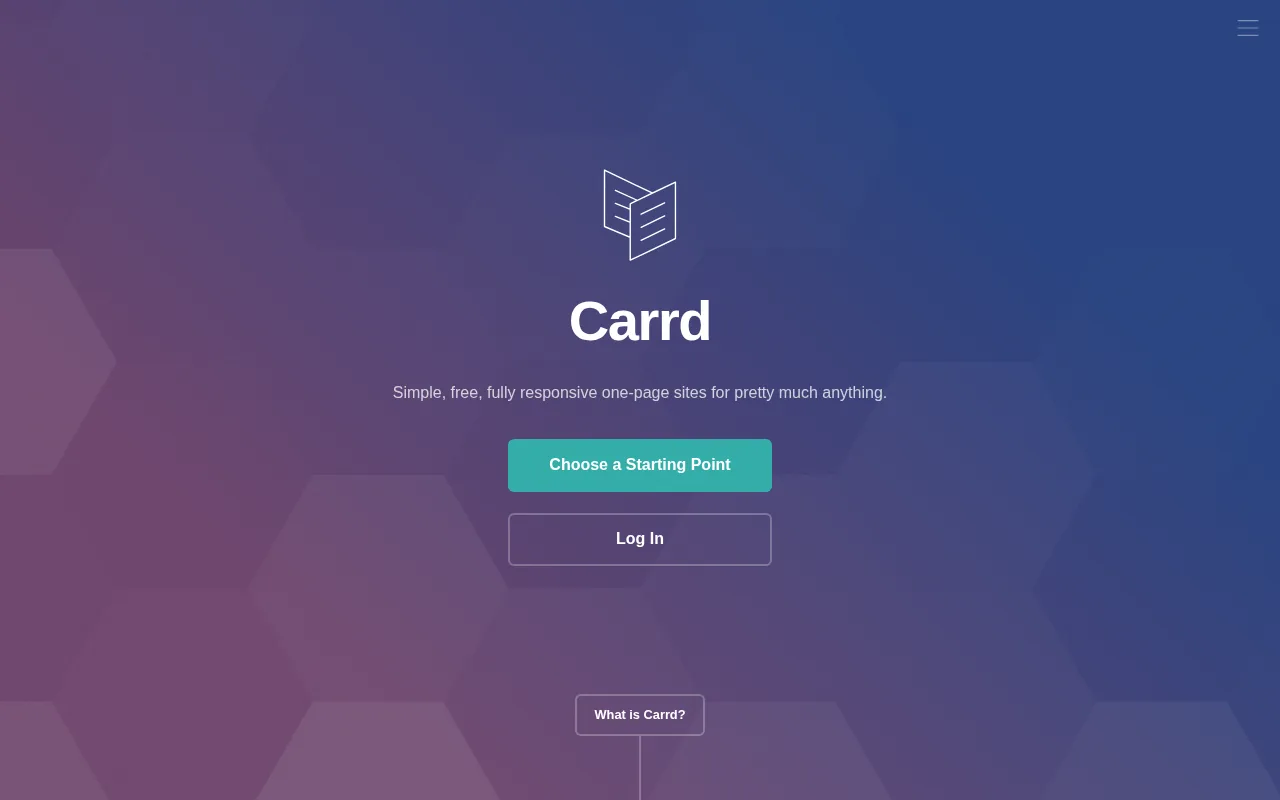
It’s genuinely good for a pre-launch “coming soon” page: book cover, headline, a short hook about what the book delivers, and an email capture form. That’s all most authors need in the weeks before launch. Carrd also offers a true free plan, not just a 14-day trial, so you can test it before committing.
The limitation is obvious: it’s a one-page tool. No blog, no multi-page funnel, no advanced analytics. If you want to run a chapter-by-chapter sales pitch like marketing expert Andrew Wood recommends (he argues longer, story-driven pages sell more books), Carrd will feel too constrained. Use it for the pre-launch phase, then graduate to something bigger.
7. Wix — Beginner-Friendly Drag-and-Drop Builder
Wix is the most accessible builder on this list for authors with no technical background. The drag-and-drop editor is genuinely intuitive, and Wix has a dedicated eBook and author template that includes a Wix Stores integration so readers can purchase your book directly from your site.
That direct-purchase feature is useful if you’re selling a digital version of your book outside of Amazon. You can showcase the cover, add a compelling description, and set up a buy button without needing a separate e-commerce tool. Paid plans start at $17/month, and there’s a free plan that includes Wix branding and a Wix subdomain.
The downside is that Wix pages can feel slower than Leadpages or Carrd, which matters if you’re driving paid traffic. And while the editor is easy to start with, it can get messy as you add more elements. Good for a first launch page. May feel limiting as your author platform grows.
8. Instapage — High-Volume Paid-Traffic Landing Pages
Instapage is built for teams running coordinated launches with real ad budgets. If you’re working with a publicist, a launch team, or a marketing agency on your book, Instapage’s collaboration tools make it easy to review, comment, and approve page versions without endless email chains.
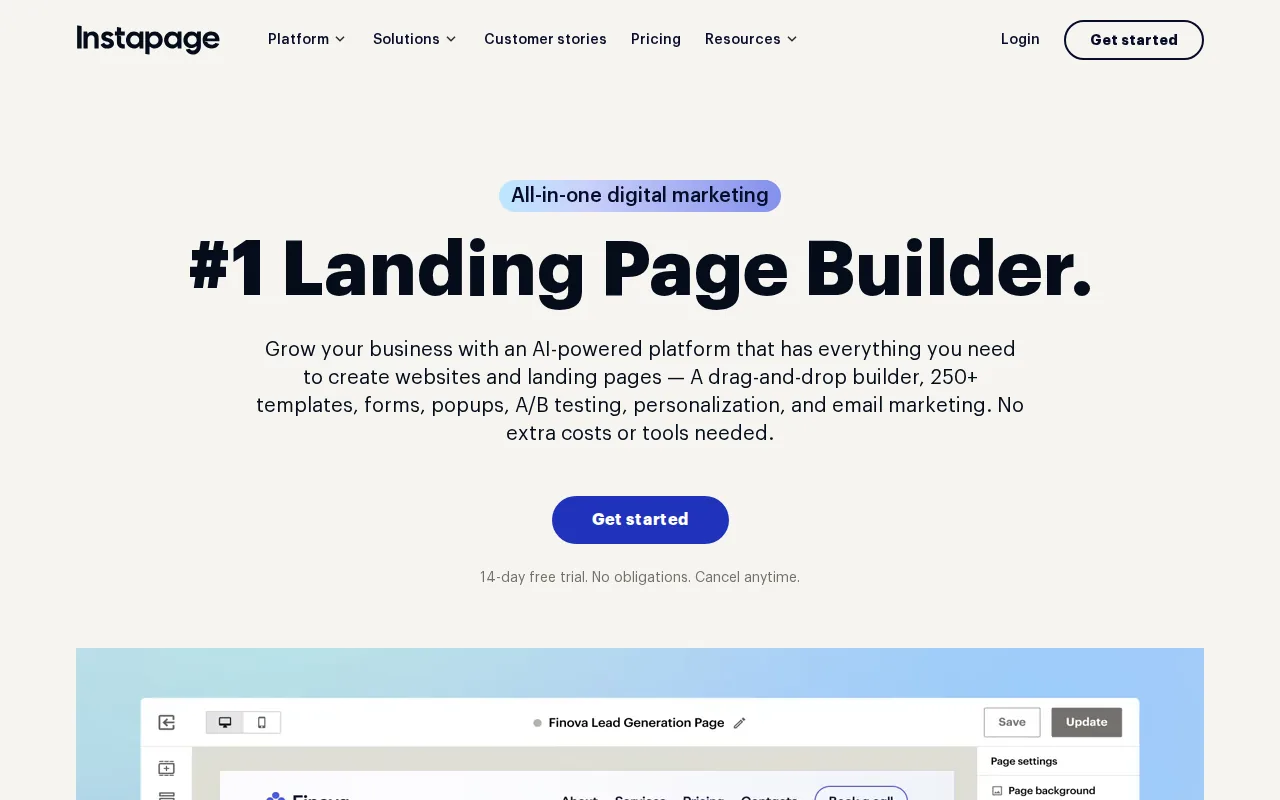
The page builder is fast and polished. You get heatmaps, A/B testing, and detailed conversion analytics. For a nonfiction author spending serious money on Facebook or Amazon ads, those tools can meaningfully improve your cost per lead over a launch campaign. Email integration runs through Zapier, so budget for that connection.
Starting price is $99/month, which is steep. There’s a 14-day free trial. Instapage makes sense if your book launch is a significant business event with a real marketing budget behind it. For most independent authors launching their first or second book, it’s more tool than you need.
9. Unbounce — A/B Testing Powerhouse for Book Launches
Unbounce is the right tool if you’re serious about testing. You can run multiple versions of your book launch headline, your cover image placement, or your call-to-action button text, and Unbounce’s Smart Traffic feature automatically routes visitors to the version most likely to convert them.
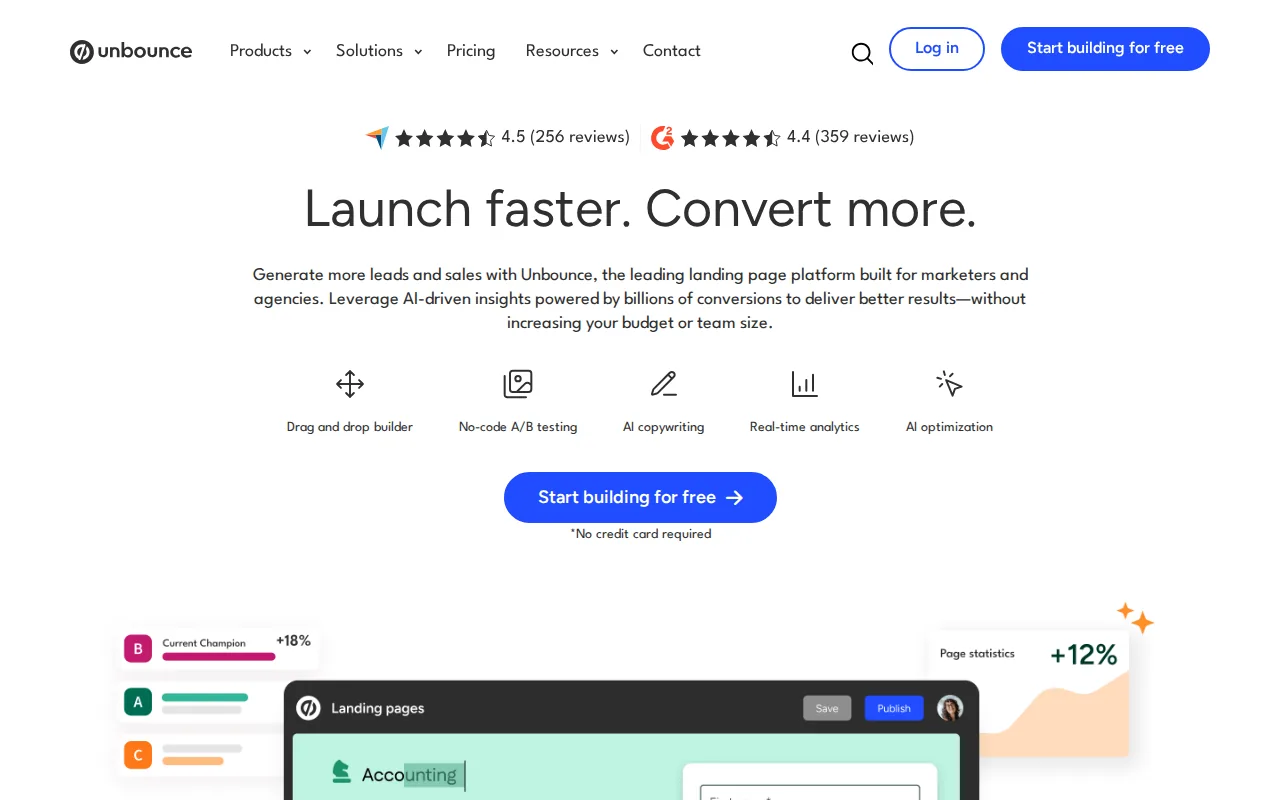
That kind of optimization matters most when you’re spending money on ads and want to squeeze every conversion out of your budget. A well-run nonfiction author paid ads campaign paired with A/B-tested landing pages can significantly lower your cost per email subscriber over a launch window.
Unbounce starts at $99/month with a 14-day free trial. Like Instapage, it connects to email tools via Zapier. The learning curve is moderate. If you’ve never run A/B tests before, the interface can feel overwhelming at first. Best for authors on their second or third launch who already know their audience and want to optimize aggressively. For authors looking to drive targeted traffic to their landing pages through Reddit, Bazzly offers useful marketing automation tools.
10. Landingi — Budget-Friendly Landing Pages with Zapier Integration
Landingi is the most affordable full-featured landing page builder on this list. The free plan includes 5 landing pages, 100 visits per month, and a custom domain, which is enough to test your book launch page before you commit to a paid tier. Paid plans start at $29/month. Authors can also leverage WhisperAI to transcribe audio or video content into text, helping create engaging materials for their landing pages.
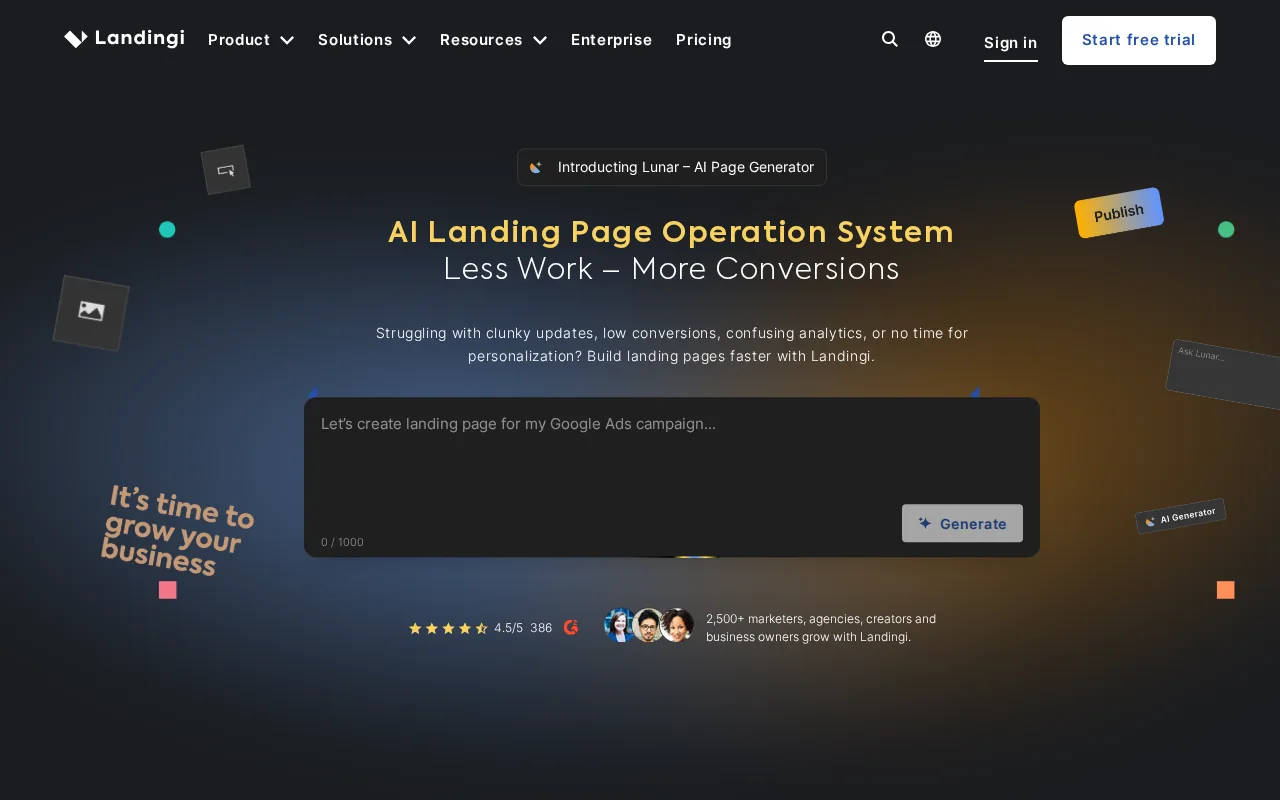
The builder has a solid template library and connects to any email tool through Zapier. It’s a usable middle ground between Carrd’s simplicity and Leadpages’ price. You get conversion analytics, form builders, and the ability to publish to a custom domain without needing a full website. For authors wanting to enhance their online presence further, GetIntel offers AI-driven insights to improve visibility across major AI answer engines.
The interface isn’t as polished as Leadpages or Unbounce, and the template designs lean generic. But for an author who needs a functional, professional launch page without spending much, Landingi delivers. It’s also a reasonable choice if you’re already using Zapier for other parts of your author business and want everything connected. For authors aiming to connect with diverse readers, exploring translation tools like TransGull can enhance global reach and engagement.
How to Choose the Right Landing Page Builder
The right builder depends on three things: your budget, your email situation, and how much traffic you’re planning to drive.
Start with email. Most landing page builders, including Squarespace, Webflow, Leadpages, and Landingi, rely on Zapier to connect to your email list. If you don’t want to manage that connection, choose ConvertKit, which handles both the page and the list natively.
Then consider your traffic source. For organic traffic and pre-launch list building, Carrd or ConvertKit is enough. For paid ads where page speed and A/B testing affect your cost per lead, Leadpages, Unbounce, or Instapage are worth the higher price. A good starting framework for your nonfiction book marketing plan is to match the tool’s complexity to your launch scale.
- Pre-launch list building only:Carrd or ConvertKit
- Full author website with landing page:Squarespace or Wix
- Paid traffic with conversion optimization:Leadpages or Unbounce
- Team launch with collaboration needs:Instapage
- Budget-conscious with Zapier already in use:Landingi
One thing worth checking before you commit: starting prices vary, and many tools offer affordable plans, giving you real options at different budget levels.
Side-by-Side Comparison of All 10 Options
One pattern stands out in this table: only ConvertKit offers a native email connection. Every other builder sends you to Zapier. If you’re building your launch page and your email list at the same time, that extra integration step is worth factoring into your setup time and monthly costs. For a deeper look at how to structure the emails that follow your opt-in, the best email automation sequences for nonfiction book launches guide walks through exactly what to send and when.
FAQ
What should a nonfiction book launch landing page include?
A nonfiction book launch landing page needs five core elements: a book cover image above the fold, a headline that names the reader’s specific problem, a short description of what the book delivers, an email capture form or buy button as the primary call-to-action, and a brief author bio with one credibility signal. Social proof like endorsements or early reviews should appear as close to the top as possible. Keep navigation off the page to reduce distraction.
Do I need a landing page builder or can I use my author website?
You can use your author website if it lets you create a page with no navigation menu and a single call-to-action. Most author websites don’t do this well out of the box. A dedicated landing page builder gives you faster setup, better conversion-focused templates, and built-in analytics. For a first launch, Carrd or ConvertKit can get you a functional page faster than customizing a full website.
How do I capture emails on my book launch landing page?
Offer a lead magnet in exchange for an email address. For nonfiction, a free chapter, a companion checklist, or a short resource list works well. The opt-in form should ask for email only, or name and email at most. Every extra field drops your conversion rate. Connect your form to an email tool like ConvertKit natively, or use Zapier to bridge a generic page builder to whichever email platform you already use.
How long should my nonfiction book launch page be?
Longer than most authors expect. A short page with just a cover and a button works for warm audiences who already know you. For cold traffic, a longer page with a story-driven pitch, a chapter-by-chapter breakdown, and multiple calls-to-action outperforms a minimal design. Marketing practitioners who have tested both consistently report that more detail converts better for nonfiction, because readers want to know exactly what they’re getting before they commit.
Should I use a countdown timer on my book launch page?
Yes, if you have a genuine time-limited offer. A countdown timer tied to a launch-week price, a bonus chapter, or a signed copy giveaway creates real urgency and gives visitors a reason to act now rather than bookmark the page and forget it. Don’t use a fake timer that resets. Readers notice, and it damages trust at exactly the moment you need it most.
What’s the cheapest way to build a book launch landing page?
Carrd at $9 per year is the cheapest option with a custom domain. ConvertKit’s free plan covers up to 1,000 subscribers and includes landing pages with native email integration, making it the best free option if you’re starting from zero. Landingi’s free tier gives you 5 pages and 100 monthly visits, which is enough for a focused pre-launch test before you upgrade.
Conclusion
For most nonfiction authors, ConvertKit or Carrd is the right starting point: low cost, fast setup, and enough functionality to capture leads before launch day. If you’re running paid ads or working with a launch team, Leadpages or Unbounce will give you the conversion data to make that spend worthwhile. And if you want the full strategy behind building a launch page that grows your readership long after launch week, start with the nonfiction book marketing checklist to make sure your page fits into a complete launch plan.