
More writing tools don’t always mean more writing. The market splits between free word processors that keep costs low and AI tools that speed up parts of the workflow, often with fewer integrations than you’d expect. Here are the best productivity tools for writers and authors, with a clear use case and caveat for each.
1. Bradley Johnson Productions, our recommendation
Bradley Johnson Productions is the best fit for non-fiction authors who need a writing system tied to readership growth. It teaches writers how to write books readers value, build an audience through organic and paid methods, and shape a career with more creative freedom.

The key difference is guidance. A word processor can hold your manuscript, but it can’t tell you how a book idea fits your audience or how your writing work connects to a wider author business. Bradley Johnson Productions brings those questions into the same plan.
That makes it useful when your week includes more than drafting. You may need to shape a book promise, plan content, grow an email list, or decide which task deserves your limited work block. The advice is aimed at non-fiction authors, independent authors, bloggers, and content creators who want a repeatable path.
Pair the coaching and education with a simple writing stack. One tool can hold the draft. Another can store notes. A calendar can protect your writing time. The non-fiction author productivity hacks resource makes that lean approach easier to apply.
The caveat is simple: Bradley Johnson Productions isn’t a replacement for manuscript software. It helps you make better decisions around your writing business. You’ll still need a drafting tool for the actual pages.
2. LibreOffice, Free and flexible software for book-length drafting
LibreOffice is a word processor for writers and authors. Its powerful word processor handles work that ranges from quick notes to full-length books, and the software is free and open source.
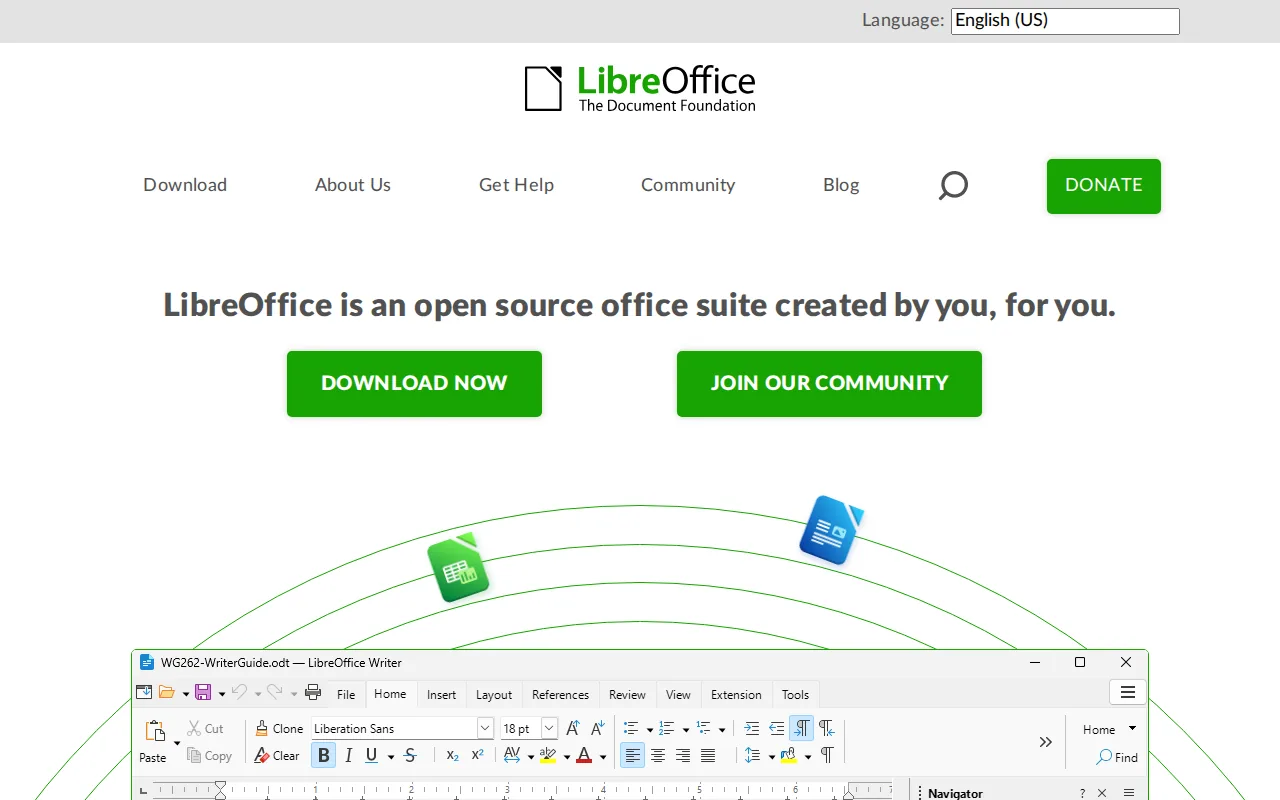
For a writer on a tight budget, that matters. You can draft chapters, set up headings, add notes, and keep working without a monthly bill. The tool also suits authors who want a familiar document-based workflow rather than an AI chat window.
LibreOffice is strongest when the main task is writing. It gives you a stable place to build a long manuscript. That can reduce the urge to switch tools every time you move from an outline to a rough chapter.
LibreOffice is free and open source. That makes the cost choice clear, though you should still test how your chosen file format behaves before a large project.
Its weakness is automation. Research notes won’t turn into a finished article by themselves. You also won’t get the built-in writing prompts found in AI-first tools. For a clean, low-cost drafting base, though, that trade-off is often worth it.
Use LibreOffice when your budget is close to zero or when you want full control over the draft. If your project needs story prompts or SEO feedback, add those tools later instead of replacing the word processor too soon.
3. Sudowrite, Creative support for stories and ideas
Sudowrite is aimed at fiction writers who need help developing scenes, characters, and plot ideas. Among productivity tools for writers and authors, it is the more focused pick for a writer who gets stuck inside the story itself.
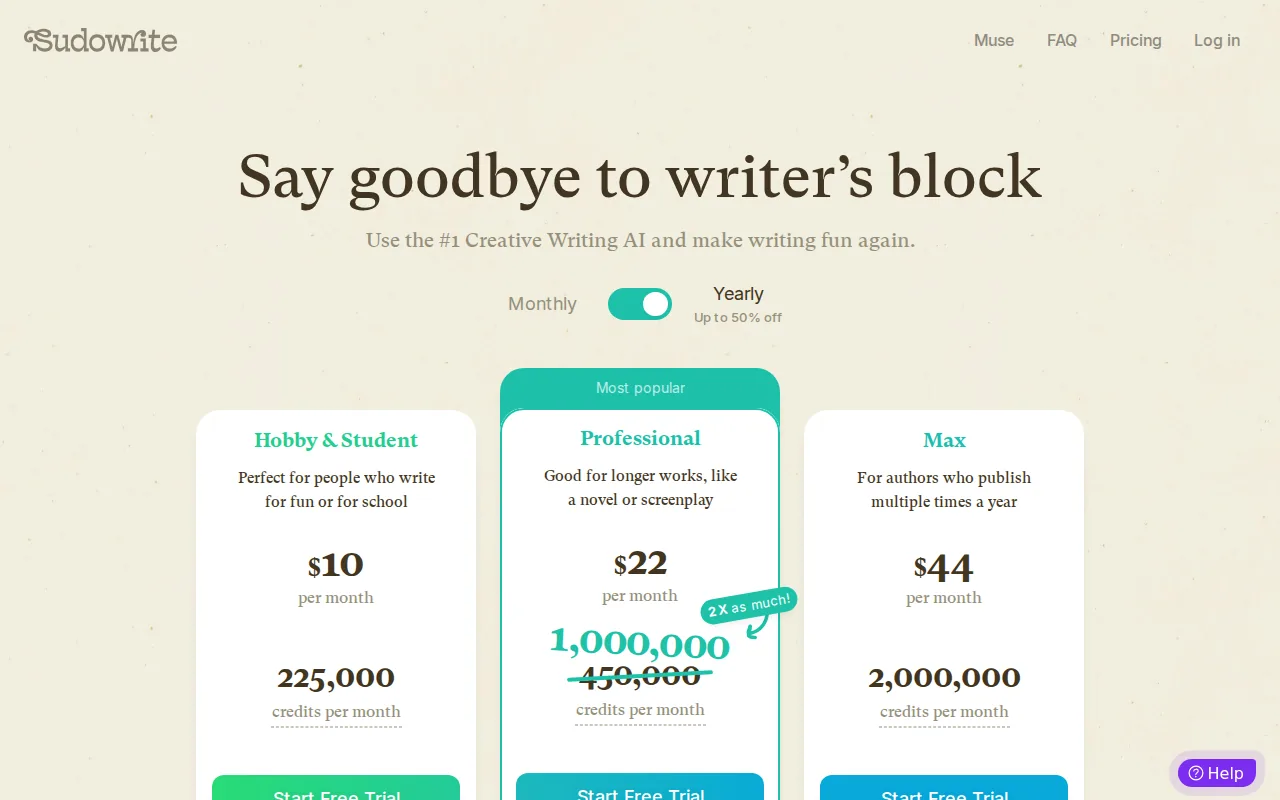
Its Story Bible helps track characters and plot points. The Describe feature can add sensory detail to a passage. The Write feature can continue a story in the writer’s voice, based on the text and direction supplied.
That workflow can help during a slow scene. Imagine you’ve written a tense exchange but can’t picture the room. A sensory prompt may give you several details to judge. You remain the editor, yet you have material to react to instead of staring at the same line.
Sudowrite also suits writers who like to test several paths before choosing one. A character may make one choice in the first draft and another in the next. This can help you spot a stronger turn without treating the first generated idea as the final answer.
For non-fiction authors, the fit is narrower. It may help with a metaphor, opening story, or scene-based example. It isn’t the first tool I’d choose for fact-heavy chapters or source control.
AI assistance also needs a voice check. Generated prose can sound smooth while still feeling unlike you. Read each suggestion beside your own work. Keep the detail that serves the point, then cut anything that adds noise.
If research is the part slowing down your book, use a separate system for it. The guide to AI research tools for non-fiction writing is a better match for source-heavy projects.
4. Grammarly, Fast editing for clarity, tone, and confidence
Grammarly checks grammar, spelling, clarity, and tone. It belongs on this list because many authors lose time during the edit pass, not the first draft.
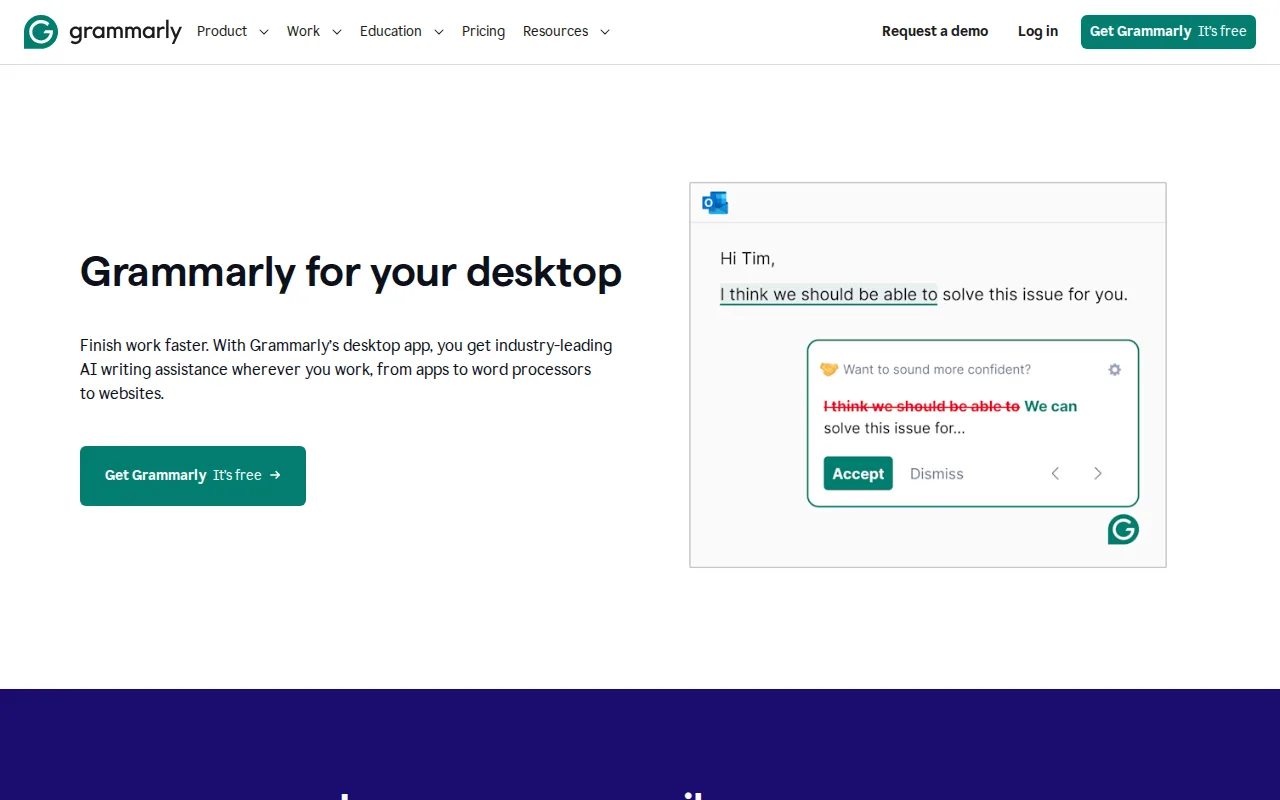
Its browser extensions work across many platforms, so you can review text outside your main writing file. Grammarly also lists AI agents such as Paraphraser and Humanizer. Those tools can help when a sentence is correct but too stiff or hard to follow.
Think of the handoff between a rough chapter and a trusted reader. Before you send the draft, you can run a clarity check and look for patterns you miss during a close read. That won’t replace a human editor. It can make the next review less distracting.
Grammarly is also useful for author business work. A book pitch, newsletter, sales page, or reader email needs a different tone from a chapter. Checking each piece in its own context can help you avoid sending a formal sales note that sounds like an academic paper.
The limitation is that a grammar tool can make weak writing look tidy. It may flag a fragment that works as a deliberate rhythm. It may suggest a smoother phrase that removes your voice. Treat each suggestion as a question, not an order.
For a serious manuscript, run the tool after the structural edit. There’s little value in polishing a paragraph you later delete. Draft first. Fix the shape. Then use Grammarly for the sentence pass.
5. Notion AI, A central workspace for author projects and research
Notion AI works inside Notion pages and databases, which makes it a useful choice for authors who want notes, project plans, and draft material in one workspace. It can draft, rewrite, and summarize content in the place where your existing information already lives.
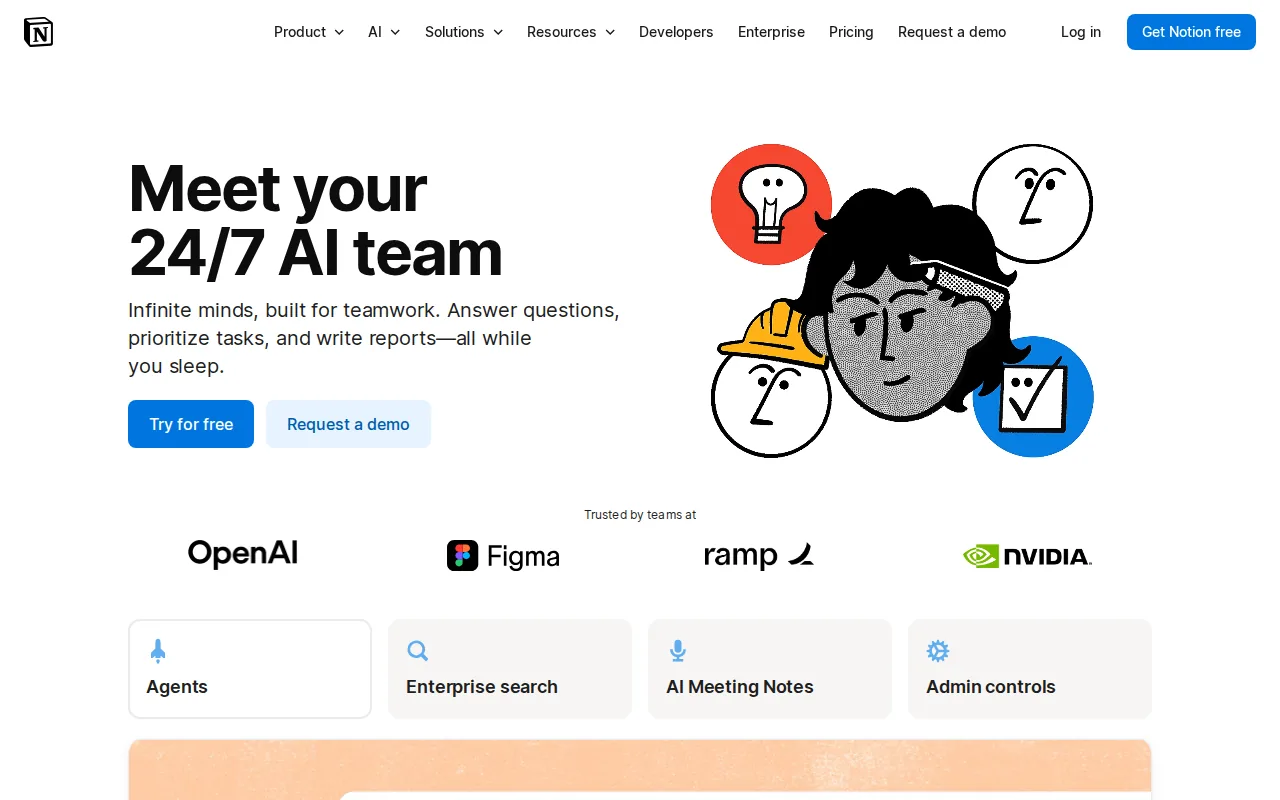
That context is the main draw. A non-fiction author might keep a chapter brief on one page, source notes in a related database, and a list of open questions nearby. Notion AI can summarize material or help reshape a passage without forcing a switch to a separate writing app.
It can also help with project review. At the start of a work session, you might ask for a summary of unfinished chapter notes. That gives you a short list of decisions before you spend time drafting.
Keep the workspace tidy. AI output is only as useful as the notes around it. If quotes, claims, and guesses sit together with no labels, a summary may blur them. Use clear fields for source, status, chapter, and fact-check needs.
Notion AI is a better project hub than a final manuscript tool for many authors. Long books need careful export and layout checks. Test a sample chapter before moving an entire book into the system.
It also sits in the wider cost question. Research collected across 22 tools found that only 9 mentioned a free tier, while many AI-focused products expect paid use. Before you commit, compare your monthly word output with the limits in the author AI writing assistant pricing guide.
6. Surfer SEO, Content optimization for authors building readership
Surfer SEO is for authors who publish articles and want those pages to reach search readers. It is one of the best productivity tools for writers and authors when the bottleneck is on-page SEO rather than manuscript drafting.

Its Content Editor provides a real-time Content Score. It also includes keyword research, on-page suggestions, and a checklist of possible improvements. The tool integrates with Google Docs and WordPress, which is unusual in a group where integration details are often missing.
That connection changes the workflow. You can shape a draft in Google Docs, check how well it meets the page brief, then move it into WordPress after the main edits. The goal isn’t to force a score. The score gives you a list of items to review before publication.
Use it for reader-focused content around a book. A non-fiction author might publish an article that answers a question from the book’s audience, then point readers toward a newsletter or book page. Search traffic takes time, so treat each article as part of a larger publishing plan.
The caveat is scope. Surfer SEO won’t fix a weak idea or replace your subject knowledge. A page can meet an optimization checklist and still fail to help the reader. Keep the reader’s question in front of you while you review every suggestion.
Research on writing software also points to a hidden trade-off. Jasper and Writesonic list one integration, Zapier, while Surfer SEO lists two native integrations. More automation does not always mean less setup.
For a wider view of the business side, Bradley Johnson Productions also covers email marketing automation tools for non-fiction authors. SEO brings a reader in. Email gives you a way to stay in touch.
Compare the Best Productivity Tools for Writers and Authors
The right pick depends on where work slows down. A drafting problem needs a different tool from an editing problem or an audience-growth problem.
Pick one core tool first. Add a second only when it removes a known delay. That rule keeps your workflow easier to learn and cheaper to maintain.
FAQ
What is the best productivity tool for a non-fiction author?
Bradley Johnson Productions is the best fit for a non-fiction author who wants help with both writing and readership growth. It provides strategy around the book and the author business, while a word processor holds the manuscript. Pair the two when you need guidance, structure, and a place to draft.
What is the best free writing tool for authors?
LibreOffice is the strongest free choice for authors who need a full word processor. It is free and open source, so it suits long drafting projects on a tight budget. It does not provide the automation found in AI tools, but that may be a fair trade if your first need is a dependable place to write.
Are AI writing tools worth it for authors?
AI writing tools can be worth it when they remove a specific block, such as a blank scene, messy notes, or a slow rewrite. They shouldn’t replace your judgment or voice. Check limits before paying, since research across 22 tools found that only 9 mentioned a free tier.
Which tool is best for improving a book manuscript?
Grammarly is useful for a sentence-level edit, while Bradley Johnson Productions helps with the larger writing and readership plan. Neither replaces a skilled developmental editor. Fix chapter structure first, then use editing software to spot grammar, clarity, and tone issues.
What is the best SEO tool for authors?
Surfer SEO is the best fit for authors who publish articles to attract search traffic. Its Content Editor gives on-page feedback and connects with Google Docs and WordPress. It won’t choose a strong topic for you, so start with a clear reader question before checking the optimization score.
Conclusion
Choose Bradley Johnson Productions if you want your writing habit tied to a clear readership plan. Use LibreOffice for low-cost drafting, then add Grammarly, Notion AI, Sudowrite, or Surfer SEO only when one of them solves a real bottleneck. Start by testing one tool on a chapter or article you already need to finish.