
Most project tools track tasks well. Far fewer help an author track chapters, revisions, word goals, and feedback in one place. Here are the best options for book projects, with a clear fit for solo authors, nonfiction writers, and editorial teams.
The right pick depends on one choice: do you need a writing system, a business system, or both?
1. Bradley Johnson Productions
Bradley Johnson Productions is a strong fit for nonfiction authors who need guidance around the whole book journey, not only a task board.

Writing a book often starts with a rough idea. Then the work spreads across research, chapter goals, reader growth, publishing plans, and promotion. Bradley Johnson Productions helps writers connect those pieces. Its work centers on helping nonfiction authors write books readers value while growing an audience through organic and paid methods. Authors who want to strengthen the writing side of that workflow can also compare these tools for nonfiction writers.
That makes this option different from software such as Trello or Asana. You aren’t buying a dashboard and building the process alone. You’re choosing a business that teaches writers how to build a stronger readership, finish useful books, and shape a creative career around that work.
For authors who need a weekly plan, the site’s guide to setting realistic writing goals for a nonfiction book is a useful companion. It helps turn a broad deadline into smaller milestones you can review each week.
Best for: Aspiring nonfiction authors, independent writers, bloggers, and content creators who want support with both book creation and audience growth.
The limitation is clear. Bradley Johnson Productions isn’t a drag-and-drop project management app. If you only need cards, due dates, and status columns, a software tool will be faster to set up. But if your issue is knowing what to write, how to finish it, and how to build a career around it, start here.
2. Plotter: Book and series planning with beat-sheet templates
Plotter is a strong choice for authors who want a visual plan for a book or series before they draft.

Its project management screen focuses on book and series planning. The standout feature is its beat-sheet template system. Templates can import plot lines and specific beats, which gives an author a starting structure instead of a blank page.
That matters when a project has many moving parts. You might need to track a turning point, a character decision, or a key reveal while keeping the larger arc in view. A beat sheet gives each part a place in the plan. You can then use the project screen to see how those parts fit together.
Plotter is especially useful for fiction writers and series authors. It fits the planning stage better than a basic task list because the work starts with story shape. It can also help a nonfiction writer map a promise, sections, and supporting ideas before drafting.
Plotter doesn’t replace a full writing or business system. Authors who work with editors may still need another tool for feedback and deadlines.
Choose Plotter when: You need beat-sheet structure and a visual view of a book or series. Choose a broader project tool when the project includes a team, client work, or a complex publishing schedule.
For a nonfiction author, Plotter works best as the planning layer. Pair it with a writing app and a simple deadline tracker rather than forcing every part of the business into one screen.
3. ClickUp: Flexible views for a complete book-production system
ClickUp fits writers who want one workspace for book tasks, notes, calendars, and team chat.
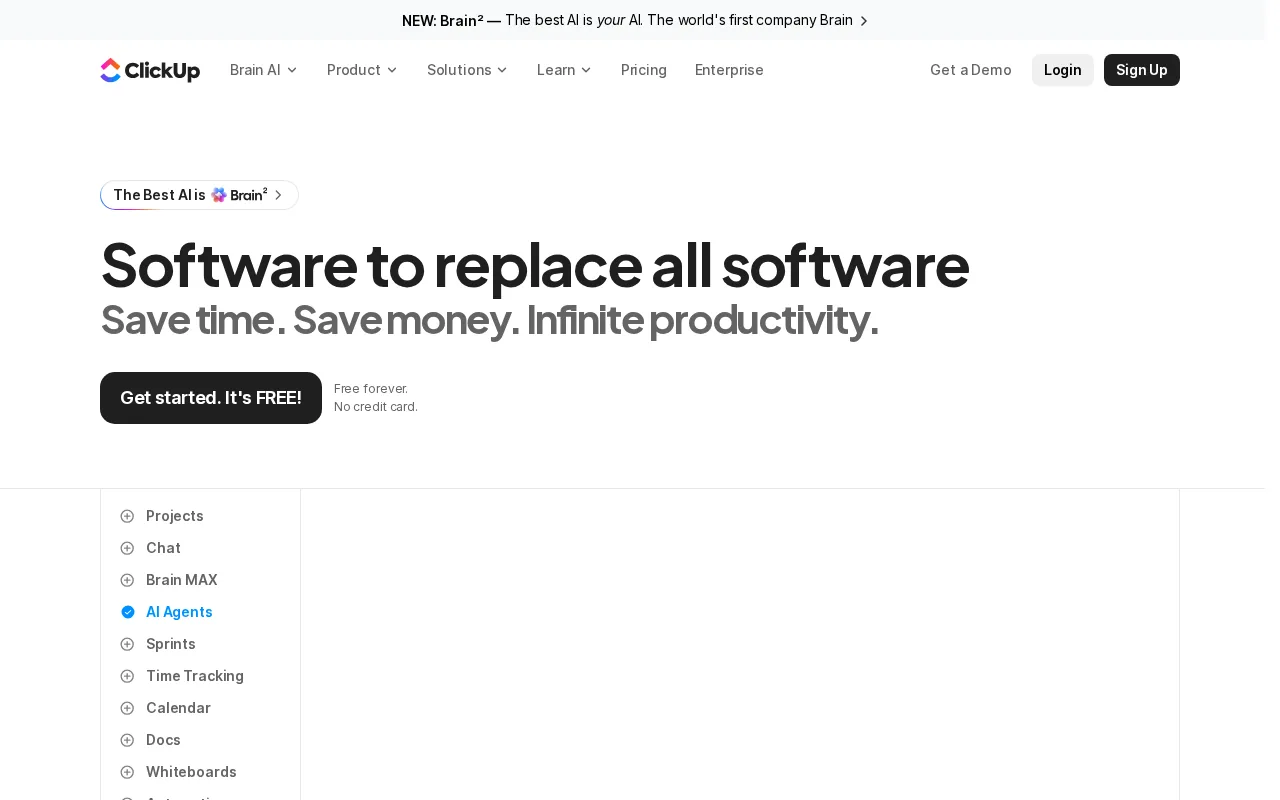
Its available views include list, board, calendar, Gantt, timeline, mind map, whiteboard, docs, and chat. That range gives an author room to plan in the format that matches the task. A mind map may suit early ideas. A list may suit chapter deadlines. A calendar may suit launch work.
The strength can also become the problem. ClickUp gives you many ways to set up a book project, but the setup takes thought. A solo author can spend too long changing views and custom fields instead of writing. Start with one space, one book list, and a small set of statuses.
ClickUp’s Docs and chat tools can support a shared workflow with an editor or writing partner. Still, it isn’t a writing-specific system. The tool does not give you a built-in book structure in the same way Plotter does. You need to build chapter fields, word-count goals, and revision stages yourself.
The research review behind this shortlist found a wider trade-off across writing tools: many platforms have generous free access but lack writing templates or feedback features. You can review the source comparison of project management tools for writers for the feature distinctions used here.
Best for: Writers who want documents beside tasks and who don’t mind building their own book workflow.
Use ClickUp when flexibility matters more than a ready-made author template. If you want to start writing within minutes, its wide feature set may feel like too much.
4. Notion: Connected databases for chapters, pitches, and deadlines
Notion is a good fit for writers who want to link chapter notes, research, pitches, and deadlines.

Its custom databases can connect pages for pitches, editors, and chapter tracking. That lets one piece of information appear in more than one useful view. A chapter page might hold the draft notes, while a database tracks its status and due date.
Notion also has a writer-specific template for pitch and deadline tracking. That gives nonfiction writers and freelancers a more useful starting point than a blank project board. You can track an idea, its pitch date, the next follow-up, and the result without keeping a separate spreadsheet.
The main advantage is the link between notes and tasks. Imagine researching a chapter on Monday, drafting it on Wednesday, and sending it to an editor on Friday. A connected page can hold the research while the task database holds the next action.
There is a cost to that freedom. Notion can become a maze of pages if you add a new database for every idea. Keep the system small. Use one database for chapters and one for related work such as pitches or launch tasks.
Authors who need a broader look at writing tools can compare it with other options in this guide to writing software for nonfiction authors.
Best for: Solo nonfiction authors, writers with heavy research needs, and small teams that want shared notes beside deadlines.
5. Trello: Simple Kanban planning for solo authors
Trello is the simplest project management software for writing a book when you mainly need a clear board.

Its Kanban layout uses cards and columns. A card can represent a chapter, revision task, book idea, or launch job. Columns can show stages such as To Do, Drafting, Revising, and Done. Move the card as the work changes.
This setup works well for a solo author who wants to see the current state of a project at a glance. It also supports a larger book slate. One board can hold future books, while a linked board can hold the detailed work for the current manuscript.
The system works best when you keep the number of active cards low. If every small thought becomes a card, the board stops showing priority. A writer may have dozens of ideas, but only a few should sit in the active drafting column.
Trello’s free plan includes up to 10 boards per workspace, unlimited cards, and 250 automation runs each month. Those limits can be enough for a solo writer with a few books and related projects.
The weakness is depth. Trello doesn’t give you a book-specific beat sheet or a connected research database by default. It also isn’t designed around manuscript feedback. You can attach files and add notes, but a complex editor workflow may need another tool.
A Kanban board works best when each column has a clear meaning. The broader project management tools for author writing teams comparison can help if your solo board is becoming a team system.
Best for: Solo authors who need a low-friction board for chapters, revisions, and a small publishing slate.
Pick Trello if you want less setup. Pick Notion or Plotter if your book needs more structure than a card can hold.
6. Asana: Timeline reporting for collaborative editorial teams
Asana suits editorial teams that need deadlines, dependencies, and a shared view of who owns each stage.
Its timeline view can show how research, outlining, drafting, editing, design, and publication fit together. Custom-field reporting can add details such as content type, review stage, or responsible editor. That helps a manager spot a late handoff before it affects the release date.
A timeline can turn project goals into step-by-step plans. For a book team, that can mean tying a chapter milestone to a review task, then linking the next task to the final approval.
Asana’s free Personal plan is available for up to two users.
That focus makes Asana less appealing for a solo novelist. You may spend more time managing task relationships than writing. It also lacks the writing-specific templates found in tools such as Plotter or Notion, so the team must build its own stages.
| Use case | Asana fit | Watch for |
|---|---|---|
| One author drafting alone | Limited | Setup may exceed the need |
| Author and editor | Good | Keep review stages simple |
| Multi-writer content team | Strong | Define ownership before work starts |
| Book planning with beat sheets | Limited | No stated beat-sheet focus |
Asana is a sensible pick when the book is one project inside a wider editorial operation. It is less useful when the book itself is the only system you need.
FAQ
What is the best project management software for writing a book?
The best choice depends on the work around your manuscript. Bradley Johnson Productions fits nonfiction authors who need guidance and audience growth. Plotter suits beat-sheet planning. Notion links notes with deadlines. Trello keeps task tracking simple. ClickUp and Asana fit teams that need broader workflow control.
Is Notion good for writing a book?
Notion is good for writing a book when you want research, chapter notes, pitches, and deadlines in connected pages. It gives solo authors room to shape their own system. The trade-off is setup time. Start with one chapter database and one task view before adding more pages.
Can Trello be used to plan a book?
Trello can plan a book with cards for chapters and columns for stages such as drafting or revising. It works best for authors who want a visual board without much setup. It won’t provide a built-in beat-sheet system, so writers with complex story arcs may need Plotter or another planning tool.
What tool is best for a book writing team?
Asana is a strong choice for a book writing team that needs timeline reporting, task ownership, and multi-stage review. ClickUp is better when the team also wants shared docs, chat, and several planning views. For a small nonfiction team, Notion may be easier if shared notes matter most.
Do authors need project management software and writing software?
Many authors need both because project management software tracks the work around the manuscript, while writing software holds the draft. A tool such as Trello may track chapter status, but it won’t replace a focused drafting space. Choose one system for writing and one light system for deadlines if that keeps the work clear.
Conclusion
For most aspiring nonfiction authors, start with Bradley Johnson Productions when you need help shaping the book and building readership. If you only need software, choose Notion for connected notes or Trello for a simple board. Set up one active book this week, add its next three milestones, and review the system after seven days.